
3 months · 1 device
€30 Total price
€10 per month
- Duration: 3 months
- 1 simultaneous connection
- Setup guidance included
- Email and WhatsApp support
Choose your IPTV Premium plan from 9.99 EUR per month and get personal help with setup, M3U, Xtream Codes and compatible apps. Transparent pricing, clear activation and English support.
Choose the number of devices first, then your preferred duration. The total price and effective monthly price stay clear.
Best balance between monthly rate and duration.
Choose 1, 2 or 3 devices above. The request message updates with device count and duration.
Prefer email? support@iptv-premium4k.de
The device count means simultaneous connections. Message us with your device and usage if you are unsure before ordering.
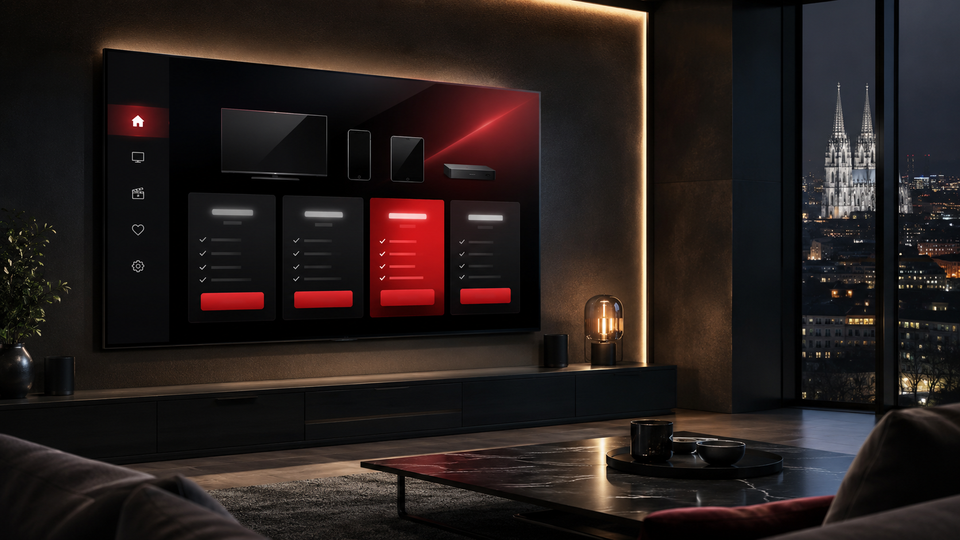
For one person, one main television or one device used at the same time.
For couples or two parallel uses, for example living room and bedroom.
For families or households with several compatible devices.
To make sure your IPTV Premium plan fits your device and usage, we clarify the most important points before ordering.
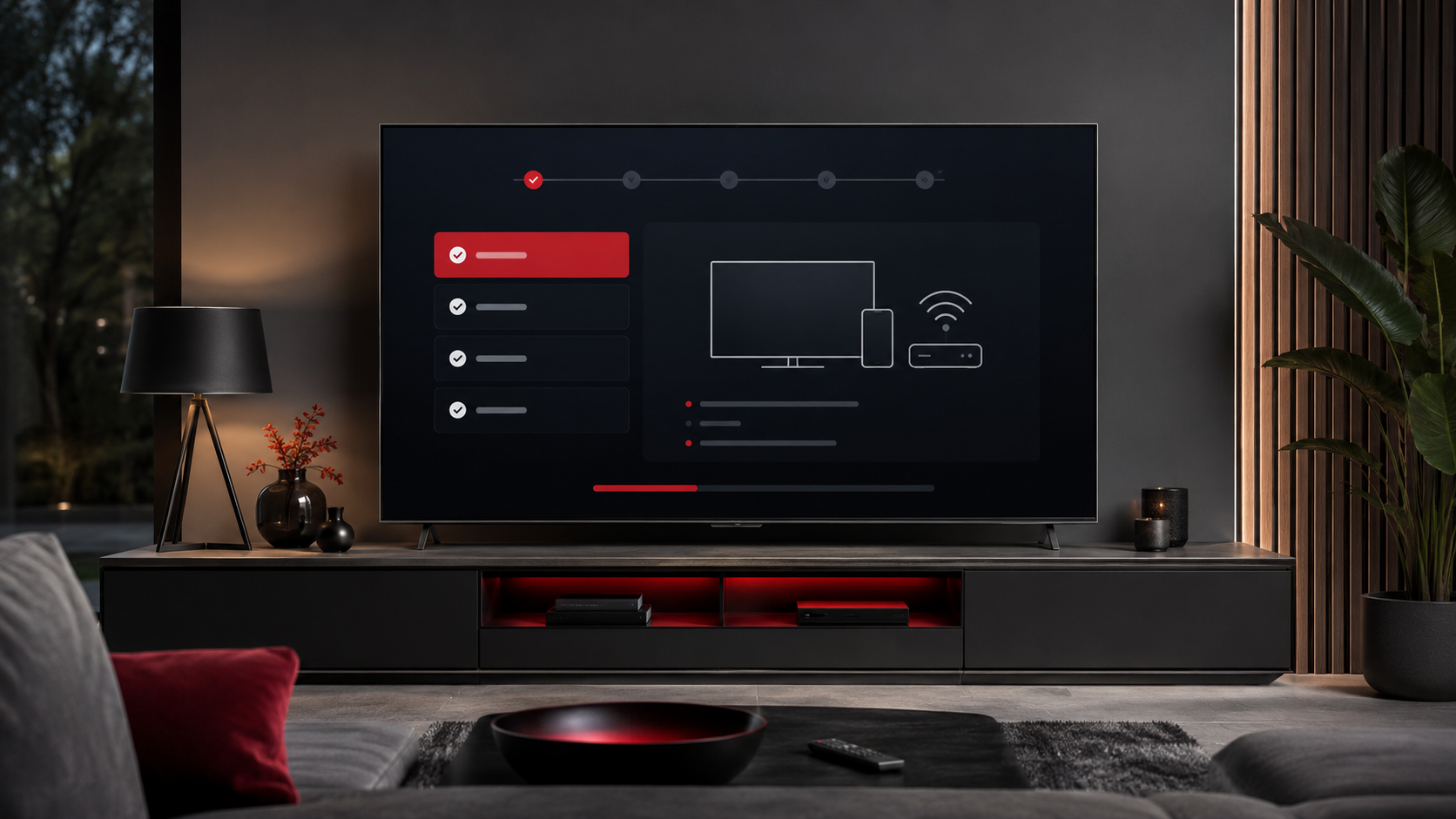
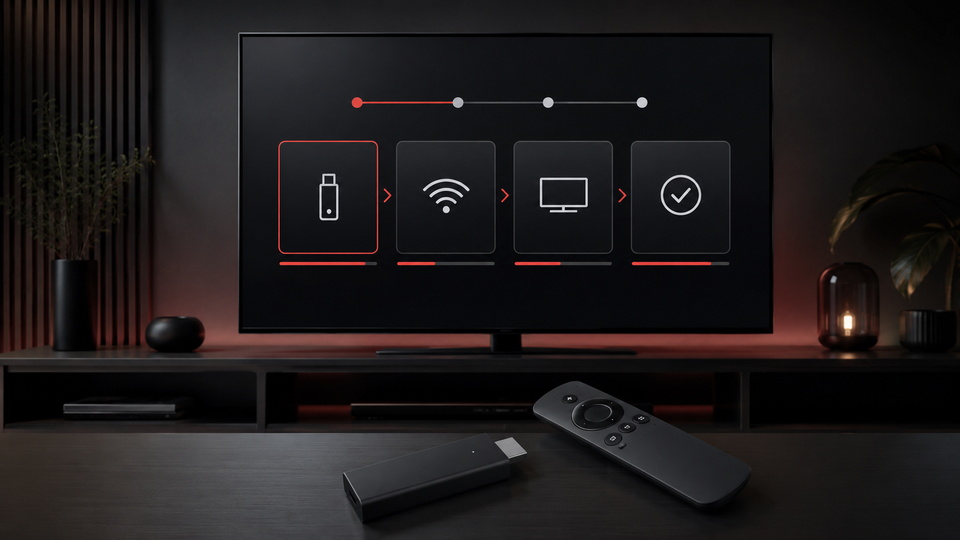
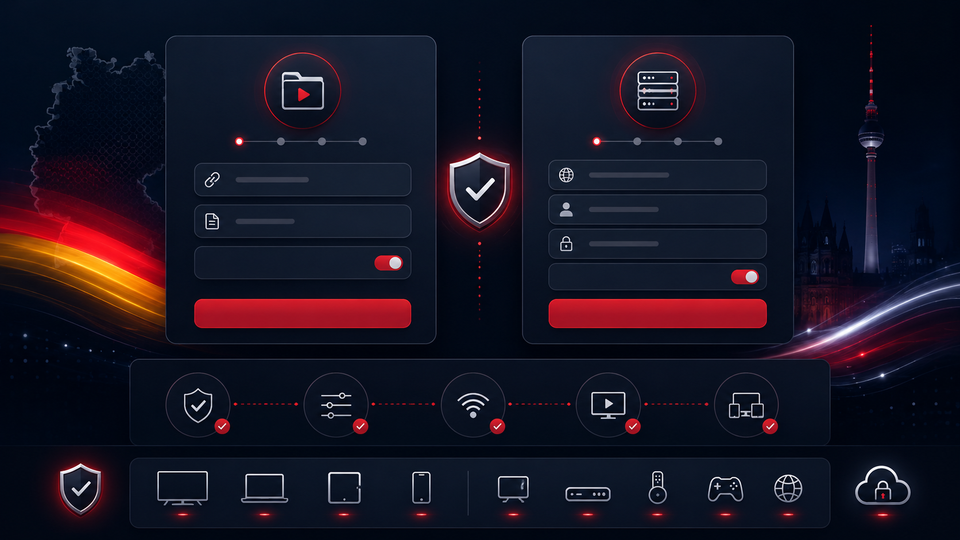
Smart TV, Fire TV Stick, Android TV, smartphone, tablet or PC.
Choose 1, 2 or 3 devices depending on household use.
We help with the right app and setup using M3U or Xtream Codes.
3 months for testing, 6 months flexible, 12 months as the best choice or 24 months for savings.
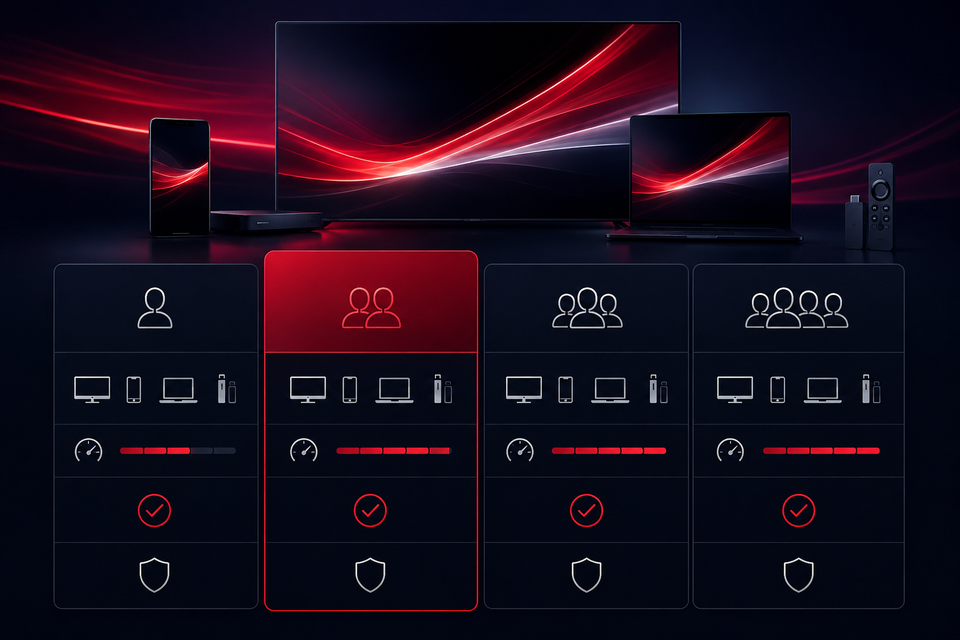
Compare device count, duration and total price.
The WhatsApp button prepares duration and device count clearly.
Depending on app and device, you receive the right details and guidance.
Enter the details only in a compatible, trusted player.
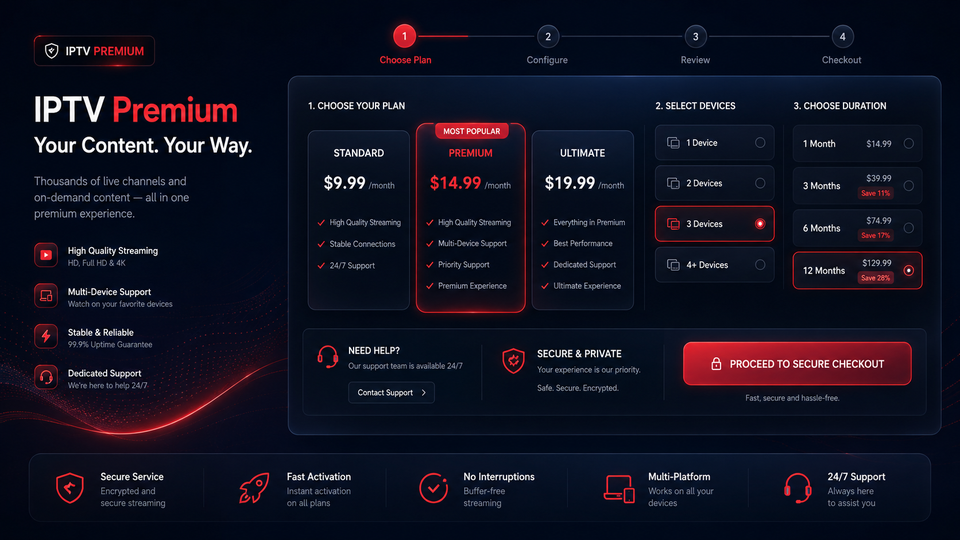
You see duration, device count, total price and effective monthly price before the request.
You can tell us your device and the plan you need before buying.
Payment details and available methods are explained before ordering.
After ordering, you receive guidance for compatible devices and apps.
Availability, quality and functions depend on the selected plan, device, location and available rights.
We support setup on compatible apps and devices. The exact setup depends on device, app and plan.
Samsung, LG and other Smart TVs need a compatible app from a trusted source.
Suitable for many TVs with HDMI when player and connection are stable.
Android TV and TV boxes often offer several compatible players.
For mobile use on Android, iPhone, iPad or tablet with the right app.
Windows and macOS can be used with compatible players or playlist support.
Depending on app and device, you receive suitable details such as M3U or Xtream Codes plus setup guidance.
Flexible use in many compatible IPTV players.
Often simple setup with username, password and server URL.
Short guidance matched to device and app.
Many customers want to know before ordering which categories and channel names fit their use. We do not show third-party logos publicly, but we advise transparently on WhatsApp.
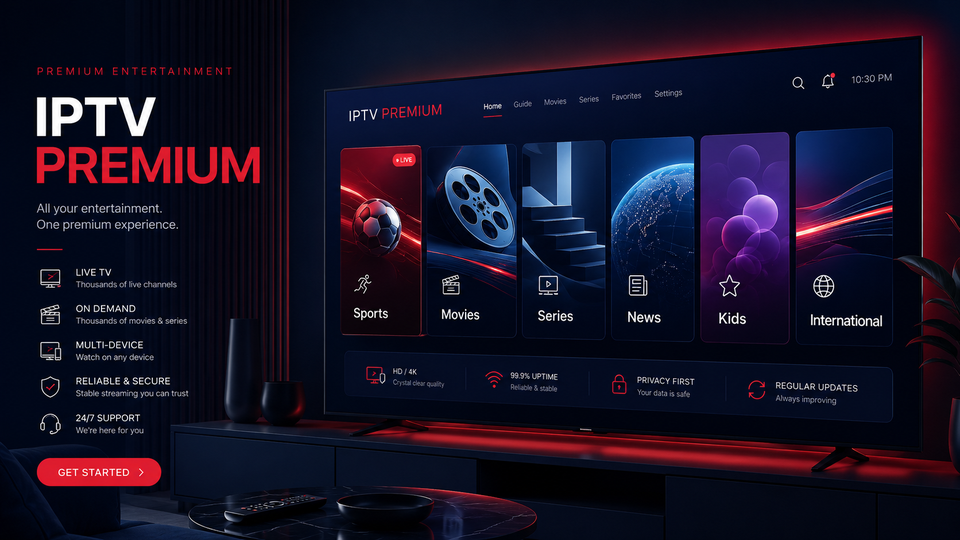
Public, private and regional categories can be checked depending on plan and rights.
For sports and live events, we clarify which categories matter for your use before ordering.
VOD and media-library areas may be available depending on plan, app and device.
News, documentaries and knowledge formats are often important for daily use.
Families often ask for suitable categories for several devices and age groups.
Multilingual categories for Germany, France, Europe and international content can be checked.
Important: named channels are for orientation. Availability of individual channels, VOD content, languages and quality may vary by plan, device, region and available rights.
Many visitors want to check the right plan, device count and setup before ordering.
We help visitors choose the plan and device count that fits.
Smart TV, Fire TV Stick and Android TV often benefit from personal support.
Prices, durations and device count are discussed before ordering.
Questions about the app, setup or use can be clarified quickly via WhatsApp.
Short feedback from advice, plan choice and setup. Personal data is kept anonymized.
The difference between 1, 2 and 3 devices was explained clearly, so choosing the right plan was easy.
The simple explanation of the compatible app and login method helped a lot with the Smart TV setup.
The Fire TV Stick setup was guided step by step without unnecessary technical terms.
I was not sure which details belonged in which field. After the advice, the setup was understandable.
The total price, duration and effective monthly price were visible right away. That made the decision easier.
After ordering, questions about the app and next steps were answered quickly on WhatsApp.
Setup on Android TV Box was easier after the guidance about the compatible player and login details.
Before ordering, I could check my device, the duration and how many simultaneous connections I needed.
The answers were short, clear and easy to follow, especially when setting up the app.
The advice about Wi-Fi, restarting the device and picture quality helped make the setup more stable.
For several devices at home, the explanation of simultaneous connections was very useful.
Support replied quickly and explained the next steps without making the process complicated.
Being able to ask questions before ordering made the plan and setup feel much clearer.
The screenshots show the advice and setup flow. Personal data, phone numbers, payment details and access data should always be hidden.


IPTV is the delivery of streaming content over an internet connection. “Premium” describes our plan and support experience; it does not imply rights to specific channels. Availability depends on the licensed package, region and content rights.
Compatible smart TVs, streaming devices, Android TV, Apple TV, phones, tablets, Windows and macOS computers can generally be used with a compatible player and login method.
The number is the count of simultaneous connections, not merely the number of installed apps.
Connection stability matters most. High resolutions benefit from Ethernet or reliable 5 GHz Wi-Fi. 4K also requires a compatible display, app, source and sufficient bandwidth.
Choose a device count and duration. The WhatsApp button prepares a message with your selected plan and total price. We then send the next steps.
Yes. We can help choose a compatible player, enter M3U or Xtream details and troubleshoot ordinary connection issues without bypassing platform protections.
M3U generally uses a playlist URL. Xtream separates the server address, username and password. The best option depends on your player and provided access.
HD, Full HD or 4K may be available depending on the package, content, source, device and connection. Not every stream is available in 4K.
Contact us by WhatsApp or email in German, English or French. Include your device, player and exact error message, but never post passwords publicly.
The published cancellation and refund terms and mandatory consumer rights apply. Rules for digital services can vary, so review the legal information before ordering.
Three quick starting points for unsure visitors: Smart TV, Fire TV Stick and the right login method.
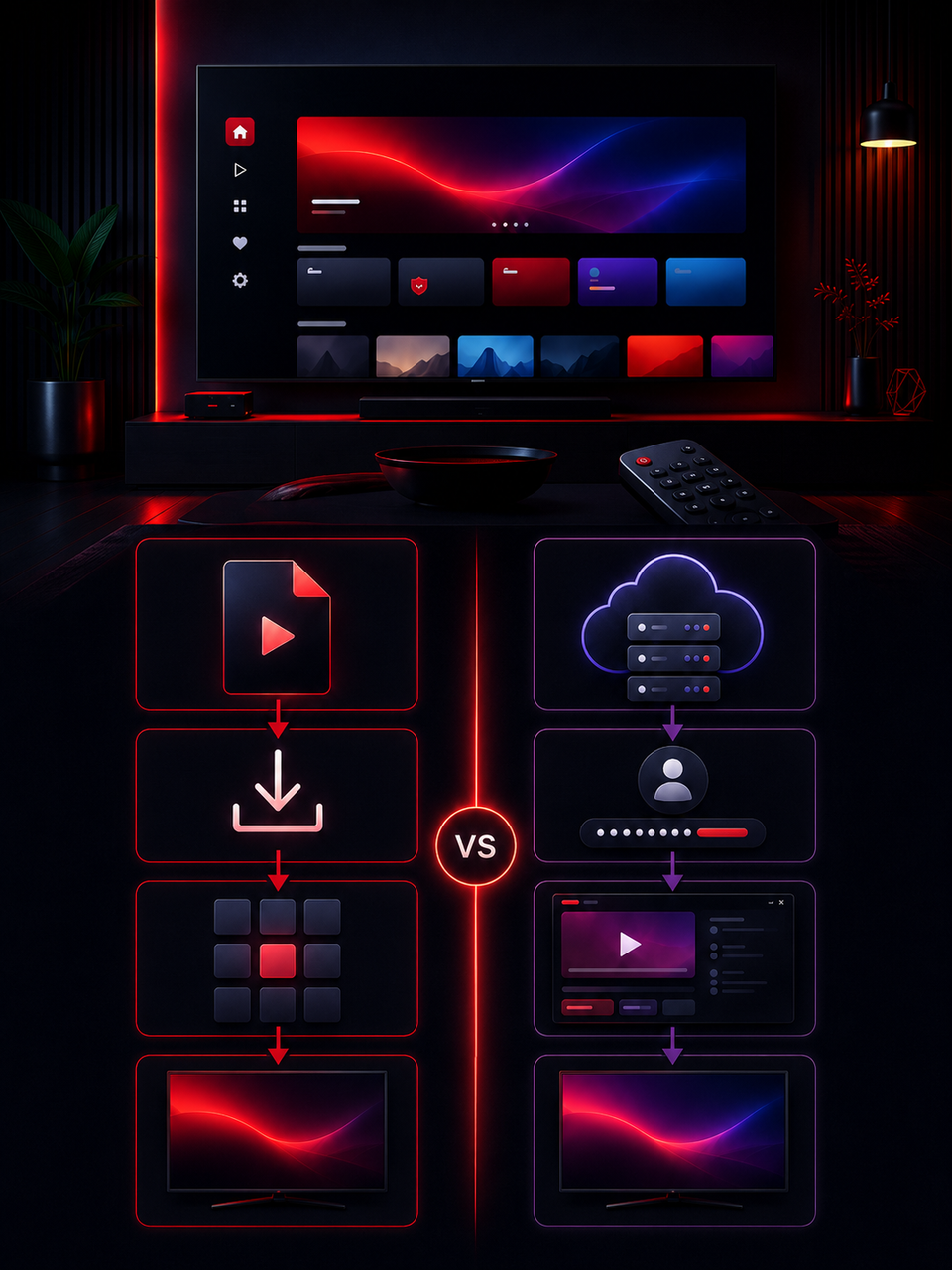
Prepare a compatible player on Smart TV and enter your access details correctly.
Read article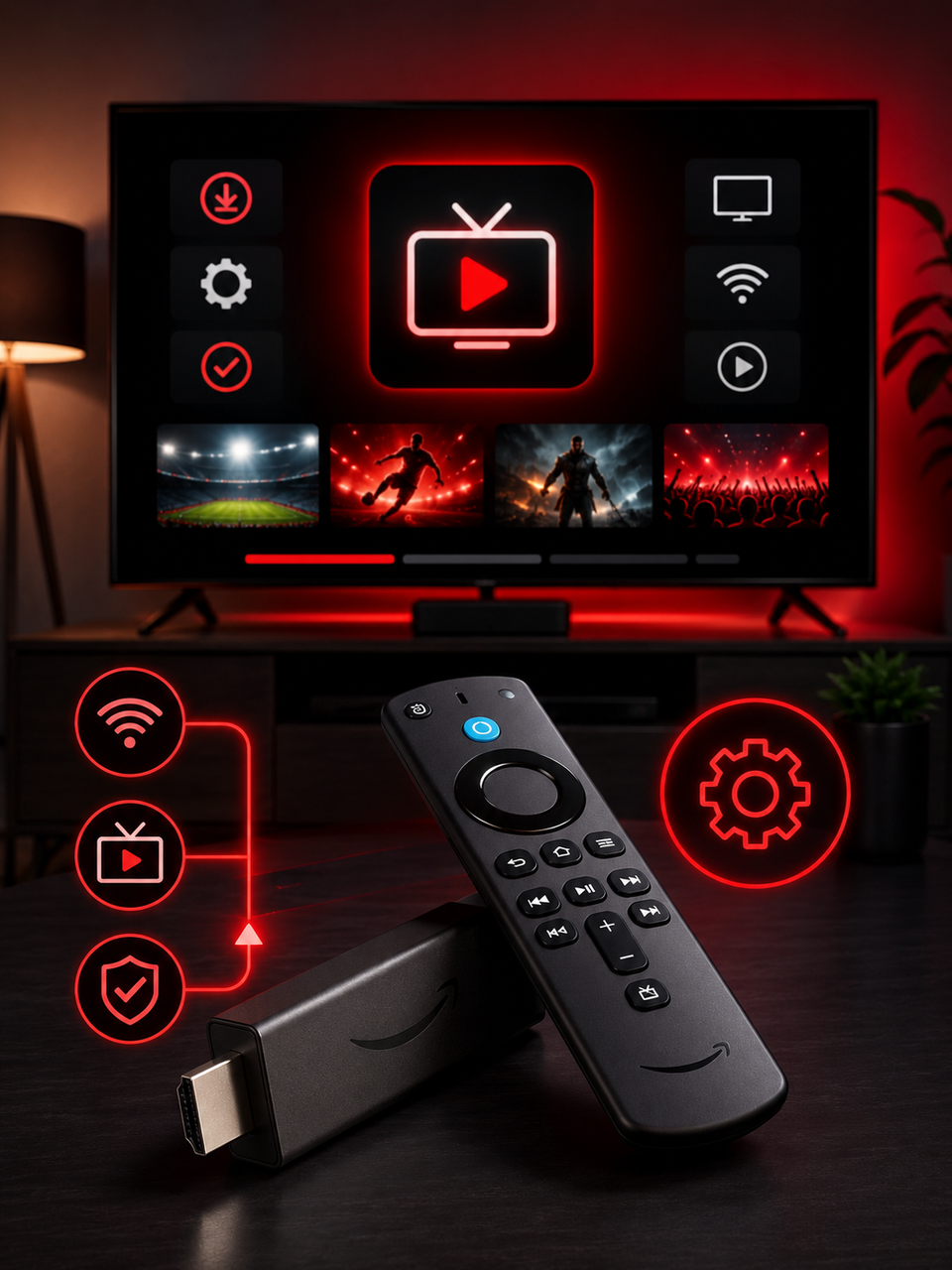
The key steps for choosing a player, installing the app and connecting your access.
Read article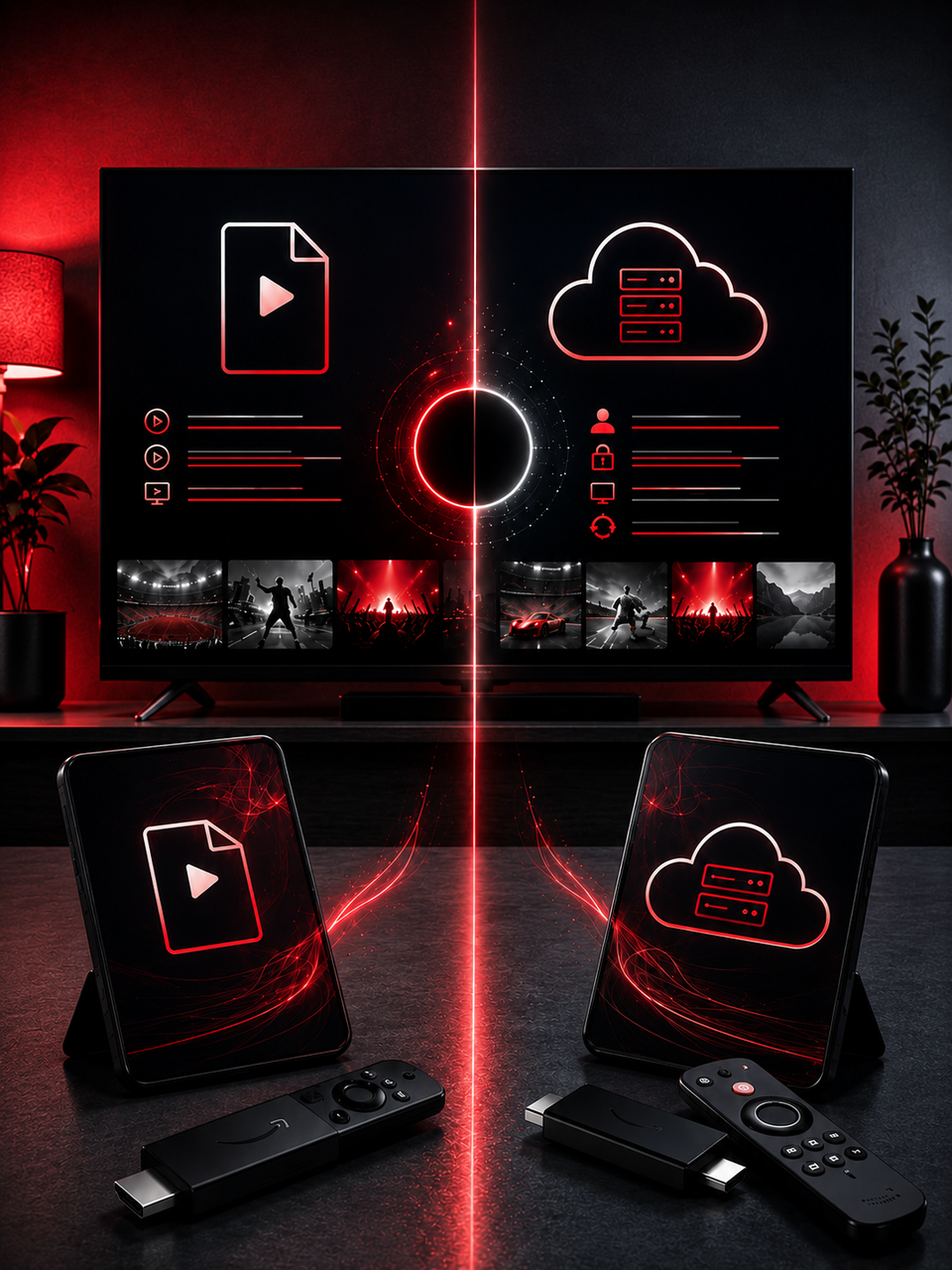
A clear comparison of both login methods for Smart TV, Fire TV and mobile use.
Read articleCompare durations, choose your device count and get personal help with the next steps.